

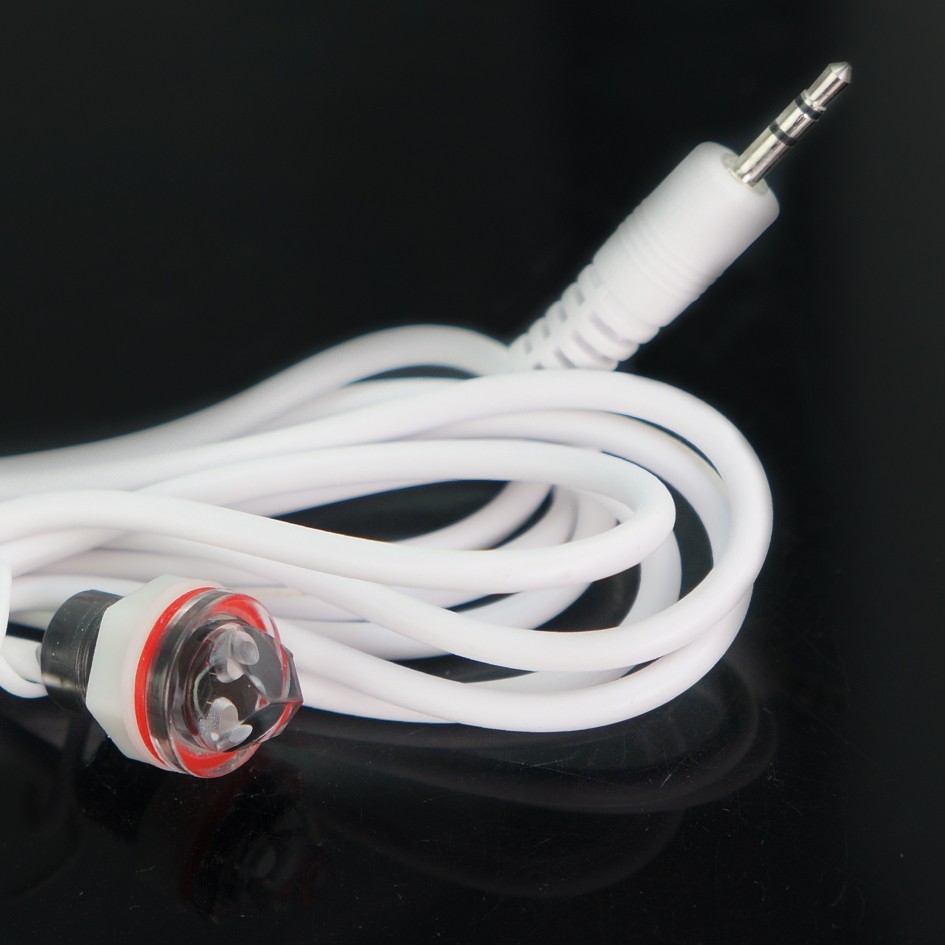

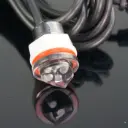
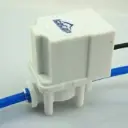
IceCap ATO White IR Sensor
SKU: IP-ATO-WIRS
- Direct OEM Replacement: Factory-original optical infrared level sensor designed specifically for the IceCap Auto Top Off (ATO) system.
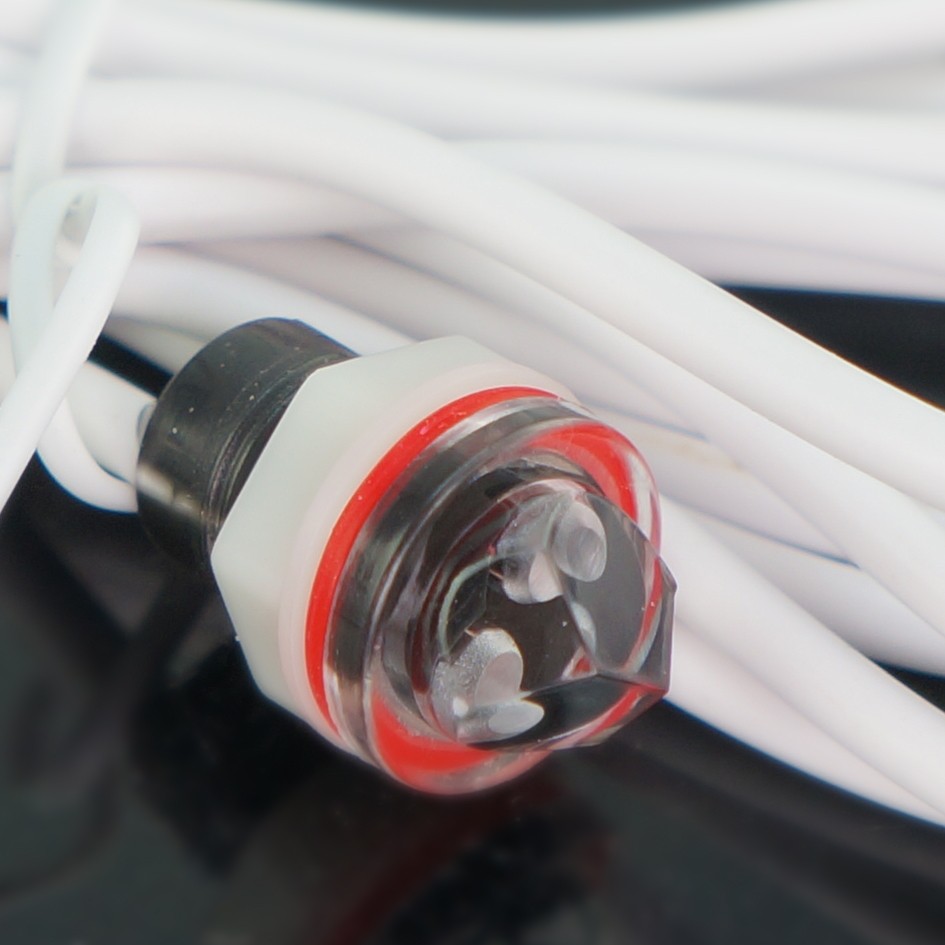
- Infrared Prism Sensing: Uses a clear optical prism to detect water presence without moving float parts that can jam, stick, or fail.
- White Lead Color Coding: White cable casing allows easy identification and proper port routing on dual-sensor IceCap ATO controller harnesses.
- Durable Waterproof Encapsulation: Fully sealed, waterproof housing protects delicate infrared emitter and receiver diodes against saltwater intrusion.
- Plug-and-Play Quick Connector: Pre-wired cable featuring the factory quick-connect jack for direct attachment to the controller module.

IceCap
Premium aquarium equipment without the premium price. Protein skimmers, pumps, reactors, heaters & more.
![[Consumer Shipping Information] 📦 Shipping FAQ](/web/image/dr.website.content/27/image/%5BConsumer%20Shipping%20Information%5D%20%F0%9F%93%A6%20Shipping%20FAQ?unique=bbc76b0)
IceCap ATO White IR Sensor
Maintaining stable salinity in reef displays requires immediate, accurate detection of evaporation water drops. The IceCap ATO White IR Sensor (SKU: IP-ATO-WIRS) is the official OEM replacement optical water level sensor designed specifically for IceCap Auto Top Off Systems. Over time, calcium carbonate encrustation, physical impact during cleaning, or wire flex wear can compromise sensor accuracy or cause connection faults.
Utilizing precise infrared refraction technology, this solid-state optical sensor shoots an IR beam through a clear glass/acrylic prism. When submerged, light refracts into the water, signaling a satisfied water line; when exposed to air by evaporation, the light reflects internally, immediately signaling the ATO controller to activate the refill pump. Designed with no moving mechanical floats, it eliminates sticking risks caused by snails, detritus, or salt creep.
System Wiring Note
IceCap dual-optical sensor systems utilize color-coded sensor leads to differentiate primary fill and secondary high-water emergency shut-off inputs. Verify your controller's wiring schematic to plug the white lead into its designated sensor port.
(Note: Package includes (1) Replacement Optical IR Sensor with White Lead Wire and Plug Connector).
What’s Included:
(1) IceCap Replacement Optical IR Sensor with White Cable Harness
Technical Specs:
SKU / Factory Part Identifier: IP-ATO-WIRS
Sensor Type: Solid-State Infrared (IR) Optical Prism
Wire Color: OEM White Casing
Connector Style: Dedicated Multi-Pin Quick Jack
Housing Material: Waterproof Saltwater-Safe Polymer
Primary Compatibility: IceCap Auto Top Off (ATO) System
WARRANTY
CoralVue, Inc. hereby guarantee this product to be free from defects in material and workmanship for a period of:
- 90days
Warranty is activated on the date of purchase.
This Standard Limited Warranty applies and is limited as follows:
- To the product only as long as it remains in the possession of the original purchaser.
- To the product that has not been subject to accident, misuse, or abuse.
- To the product that has not been modified, altered, defaced, or had repairs made or attempted by other than CoralVue, Inc.
- That CoralVue be immediately notified in writing within ten (10) days of the owner's or his agent's first knowledge of the defect.
- That CoralVue, Inc. shall be given the first opportunity to make any repairs, replacements, or corrections to the defective construction within a reasonable period of time.
- Under no circumstances shall CoralVue and/or the Manufacturer be liable by virtue of this warranty or otherwise for damage to any person or property whatsoever for any special, indirect, secondary, or consequential damages of any nature, however arising out of the use or inability to use because of the product defect.
Click here to learn more.
Installation & Set-Up Guidelines:
Turn off power to your IceCap ATO controller before replacing sensor cables.
Unplug the old white-wire sensor lead from the ATO controller harness.
Unsnap the old optical sensor block from the wet-side mounting magnet cradle.
Snap the new IP-ATO-WIRS sensor into the mounting holder clip, ensuring the optical prism is clean and fully exposed.
Plug the white connector lead into the corresponding sensor jack on the controller, restore system power, and test operation.
Pro Tips:
- Keep Optical Prism Clean. Regularly wipe the clear prism tip of the sensor using a soft cloth or toothbrush soaked in white vinegar. Removing coralline algae, bacterial slime, and mineral dust ensures accurate light reflection and prevents false low-water signals.
- Keep Away From Direct Air Bubbles. Avoid placing the optical sensor directly above protein skimmer outlets or turbulent sump downspouts. Micro-bubbles collecting against the optical prism can scatter the infrared beam, causing the controller to mistake air bubbles for low water levels.