

?unique=e567397)
?unique=e567397)



IceCap FP-200 Aquarium Flow Pump (OPEN BOX)
SKU: OB-IC-FP-200
- This is a new, open box unit that has been inspected by CoralVue and is ready to use.
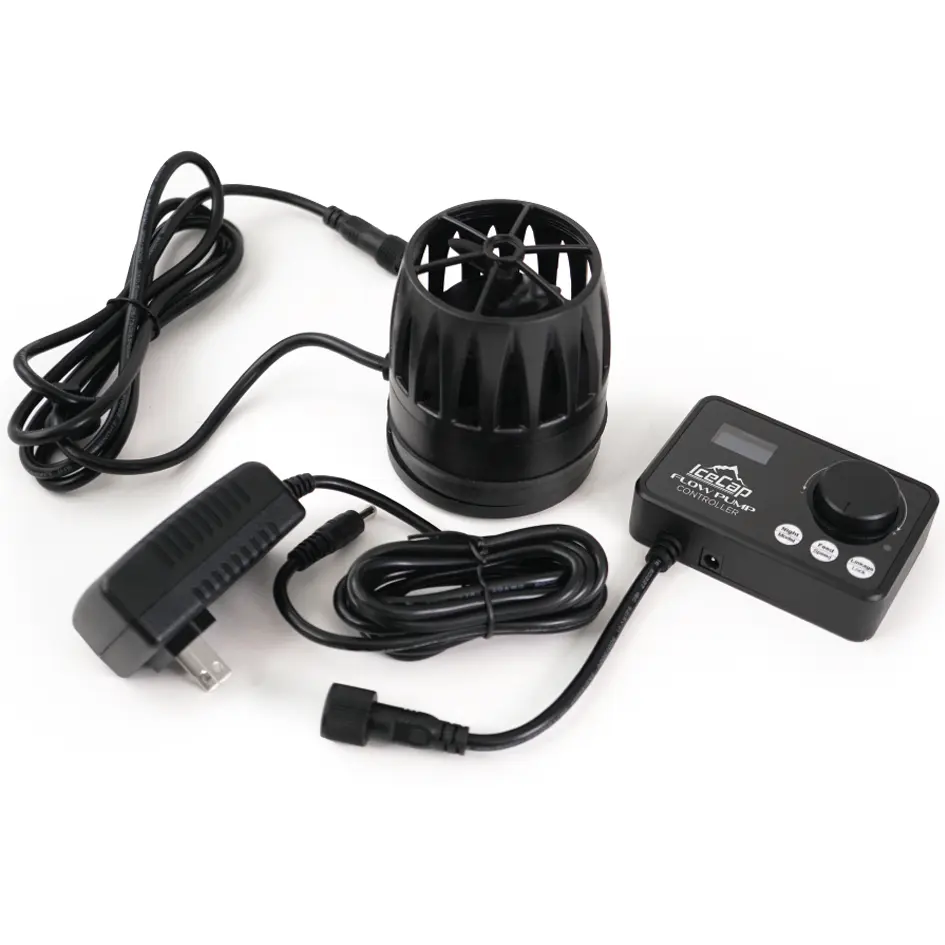
- The pump, dryside magnet mount, flow controller, and power supply are all confirmed included.
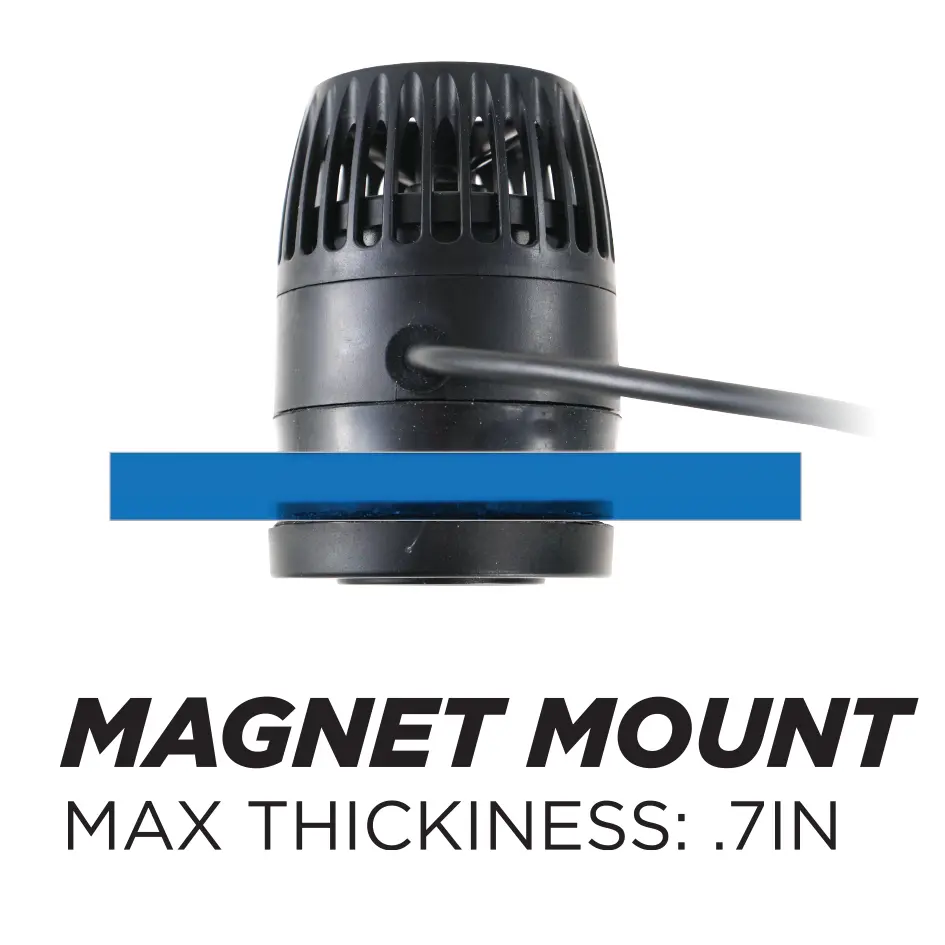
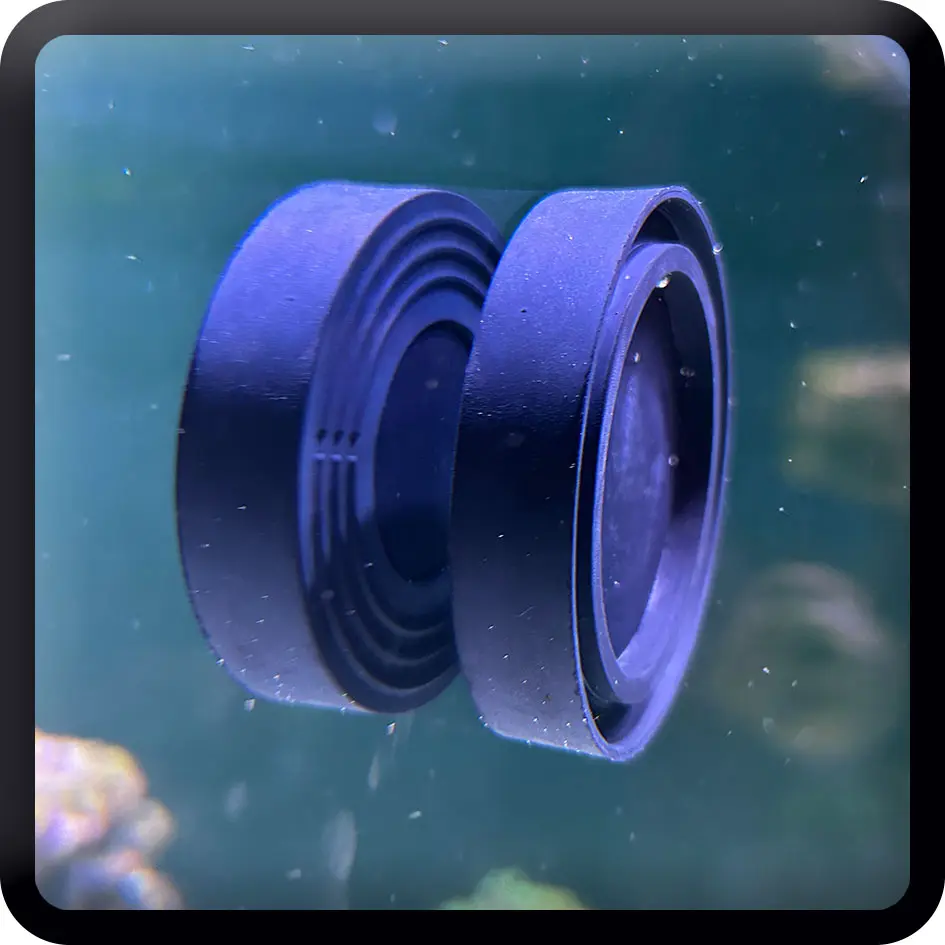
- The magnetic mount fits glass or acrylic up to 0.7 in thick.

IceCap
Premium aquarium equipment without the premium price. Protein skimmers, pumps, reactors, heaters & more.
-
Open box: new, inspected, ready to use
-
FREE Shipping on orders over $75.00
-
Backed by a 90-Day Warranty
Adjustable Flow Pump Up to 4755 gph for Tanks 22-105 Gallons
The IceCap FP-200 is a magnetic-mounted flow pump that moves up to 4755 gph across ten speed settings, designed for freshwater and marine aquariums from 22 to 105 gallons. Its magnetic mount handles glass or acrylic up to .7in thick, which covers a wider range of tank builds than the smaller FP-100. At 35 watts max, it puts out serious flow without a large power draw for its class.
The included controller gives you hands-on control without additional hardware. Five preset flow modes cover Constant Flow, Pulsing, Stream, Random, and Cycle. A light-sensing night mode drops the pump to its lowest speed automatically when the room goes dark. A 20-minute feed mode cuts flow on demand, and a controller lock prevents accidental changes during maintenance or feeding.
Key Features:
- Adjustable flow from 792 gph to 4755 gph across 10 speed settings
- Five controller presets: Constant Flow, Pulsing, Stream, Random, and Cycle modes
- Light-sensing night mode reduces flow automatically in low-light conditions
- 20-minute feed mode cuts flow at the push of a button
- Controller lock prevents accidental setting changes
- Magnetic mount supports glass or acrylic up to .7in thick
- Universal power supply accepts 100-240v input, outputs 24v/1.75a
Ideal For:
- Mid to large reef tanks from 22 to 105 gallons needing high-volume, adjustable directed flow
- Aquariums with thicker glass or acrylic panels where the FP-100's .48in limit is not sufficient
- SPS-dominant tanks that benefit from strong, variable flow across the rockwork
- Freshwater tanks where high turnover and variable circulation patterns are preferred
- Hobbyists who want automated night mode without adding a separate controller or timer
- Tanks where feeding time flow shutoff is part of the daily routine
Pro Tips:
- Match flow mode to your coral placement. At full power, the FP-200 moves a lot of water in one direction. Random or Cycle mode spreads that energy around the tank more evenly and reduces dead spots behind rockwork.
- Use feed mode every time you feed. At 4755gph max, food hits the intake fast. The 20-minute shutoff gives fish and corals time to eat before flow resumes. Build it into your routine and you will waste less food.
- Start low and increase gradually. Speed 1 on the FP-200 still moves 792gph. When placing the pump in a new tank, start at a lower setting and watch how corals and fish respond before stepping up. Acclimating inhabitants to higher flow over a few days reduces stress.
Specifications:
- Max Flow: 4755gph (18,000 L/hr)
- Max Wattage: 35w
- Suggested Aquarium Size: 22-105 gallons
- Pump Dimensions: 4 x 3.3 x 3.3in (includes dry magnet)
- Max Mounting Thickness: .7in
- Power Supply Input: 100-240v
- Power Supply Output: 24v / 1.75a
- Flow Modes: Constant Flow, Pulsing, Stream, Random, Cycle
- Additional Modes: Night mode, 20-minute feed mode, controller lock
FP-200 Pump Speed/Power Level Parameters:
| Speed | Voltage (A) | Power (W) | Flow Liters | Flow Gallons |
| 1 | 0.152 | 8 | 3000 | 792 |
| 2 | 0.222 | 10 | 3620 | 956 |
| 3 | 0.303 | 12 | 4650 | 1228 |
| 4 | 0.399 | 15 | 6250 | 1651 |
| 5 | 0.5 | 20 | 7150 | 1889 |
| 6 | 0.62 | 22 | 8500 | 2245 |
| 7 | 0.75 | 24 | 10000 | 2642 |
| 8 | 0.89 | 25 | 12500 | 3302 |
| 9 | 1.06 | 30 | 14600 | 3857 |
| 10 | 1.25 | 35 | 18000 | 4755 |
WARRANTY
CoralVue, Inc. hereby guarantees this product to be free from defects in material and workmanship for a period of:
- 90-days
- Warranty is activated on the date of purchase.
This Standard Limited Warranty applies and is limited as follows:
- To the product only as long as it remains in the possession of the original purchaser.
- To the product that has not been subject to accident, misuse or abuse.
- To the product that has not been modified, altered, defaced, or had repairs made or attempted by other than CoralVue, Inc.
- That CoralVue be immediately notified in writing within ten (10) days of first knowledge of defect by owner or his agent.
- That CoralVue, Inc. shall be given first opportunity to make any repairs, replacements or corrections to the defective construction within a reasonable period of time.
- Under no circumstances shall CoralVue and/or the Manufacturer be liable by virtue of this warranty or otherwise for damage to any person or property whatsoever for any special, indirect, secondary or consequential damages of any nature however arising out of the use or inability to use because of the product defect.
Instructions:
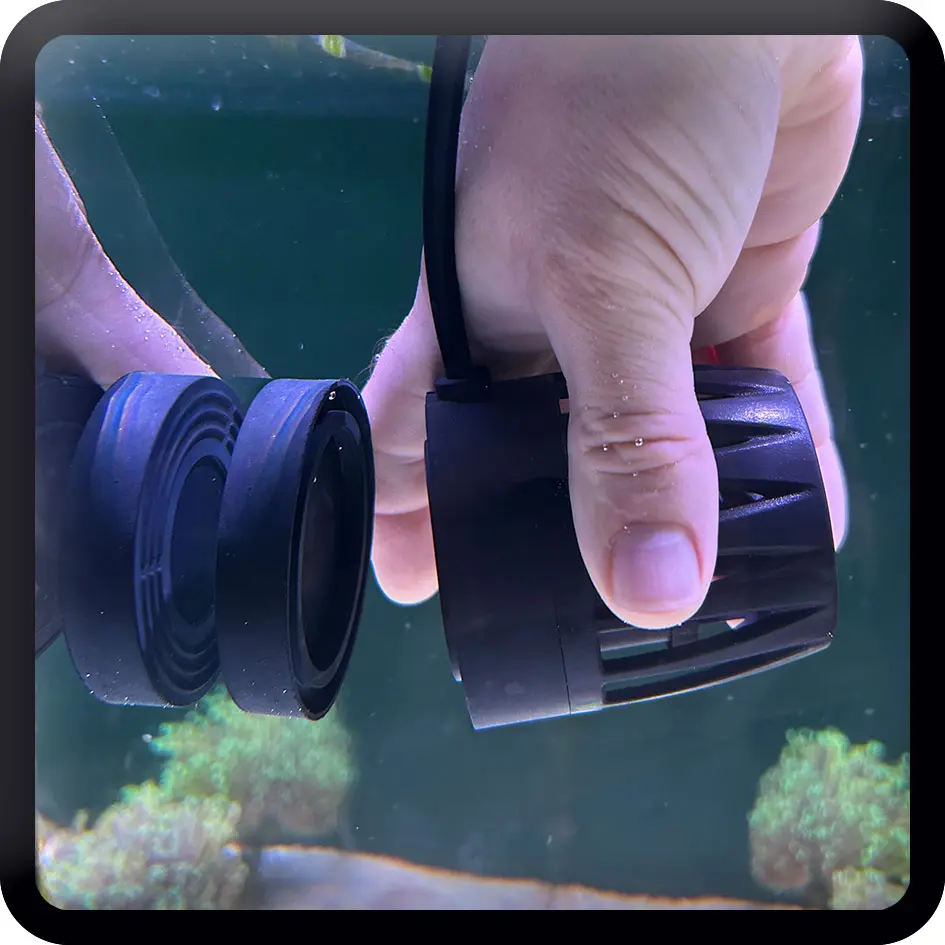
- Separate the wetside mount from the dryside magnet before placing anything in the tank.
- Choose your pump placement. Mid-tank on the back or side wall works well for most setups. Confirm your glass or acrylic thickness does not exceed .7in.
- Hold the wetside mount in position inside the tank at your chosen location.
- Align the dryside magnet on the outside of the glass directly behind the wetside mount. The magnets will lock together through the glass.
- Connect the pump cable to the controller, then connect the controller to the power supply.
- Plug the power supply into a grounded outlet. The controller will power on.
- Select your preferred flow mode using the controller. Start at a lower speed setting and increase gradually while observing flow pattern and livestock response.
- To activate feed mode, press the feed button. The pump returns to normal operation after 20 minutes.
- To enable night mode, set the light-level sensitivity as described in the user guide.
- To lock the controller settings, activate the lock function as described in the user guide.
IceCap FP-200 User Guide - User Guide Click Here