

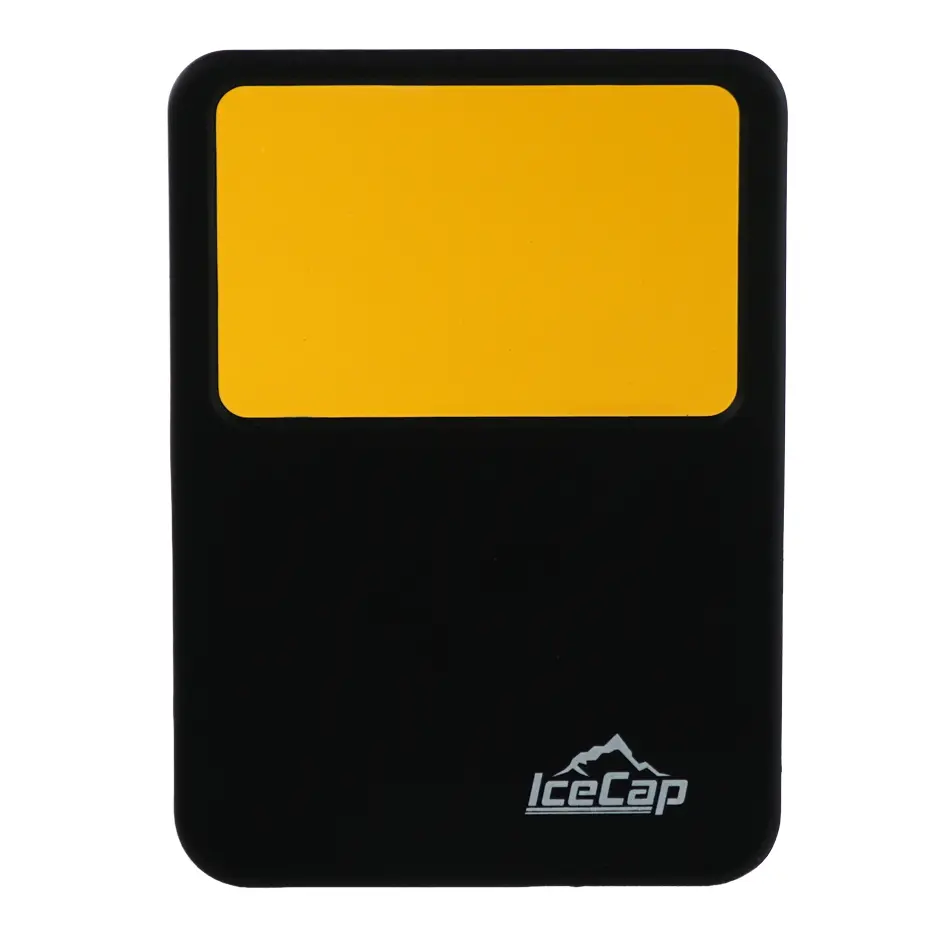
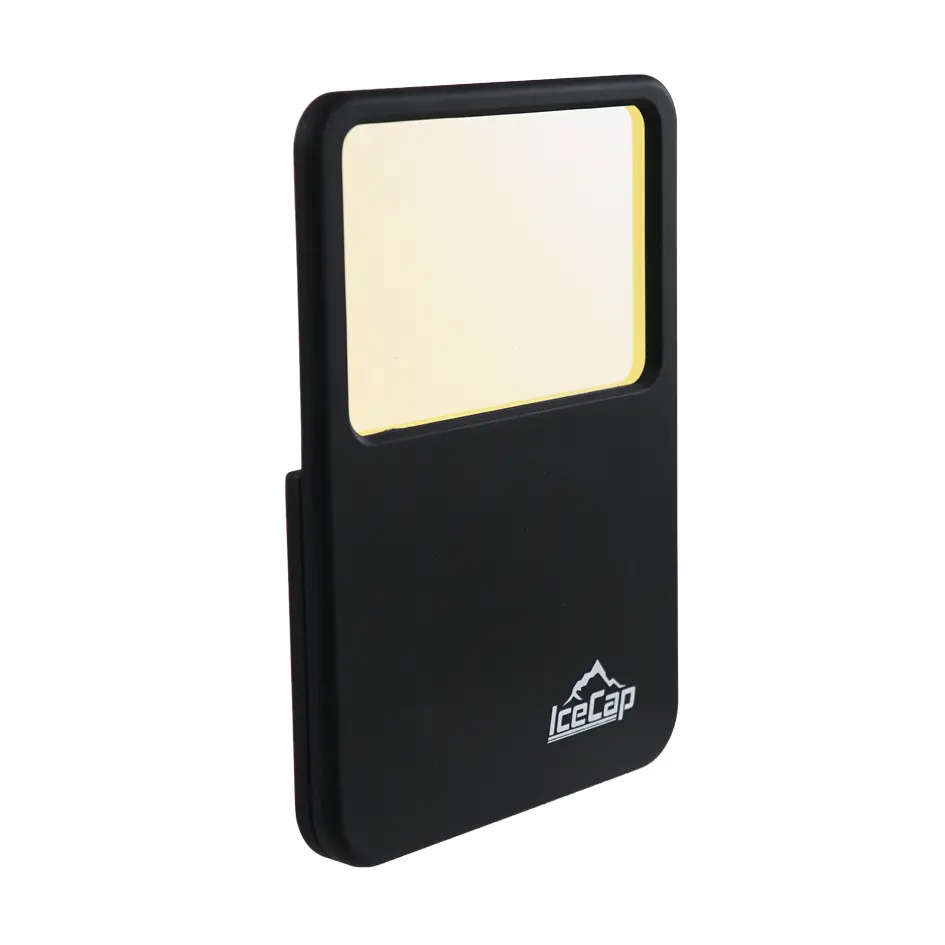
IceCap 18000K Magnetic Mobile Lens Filter
SKU: IC-MLF18K
MSRP: $ 47,99
-
Available Through Authorized Retailer
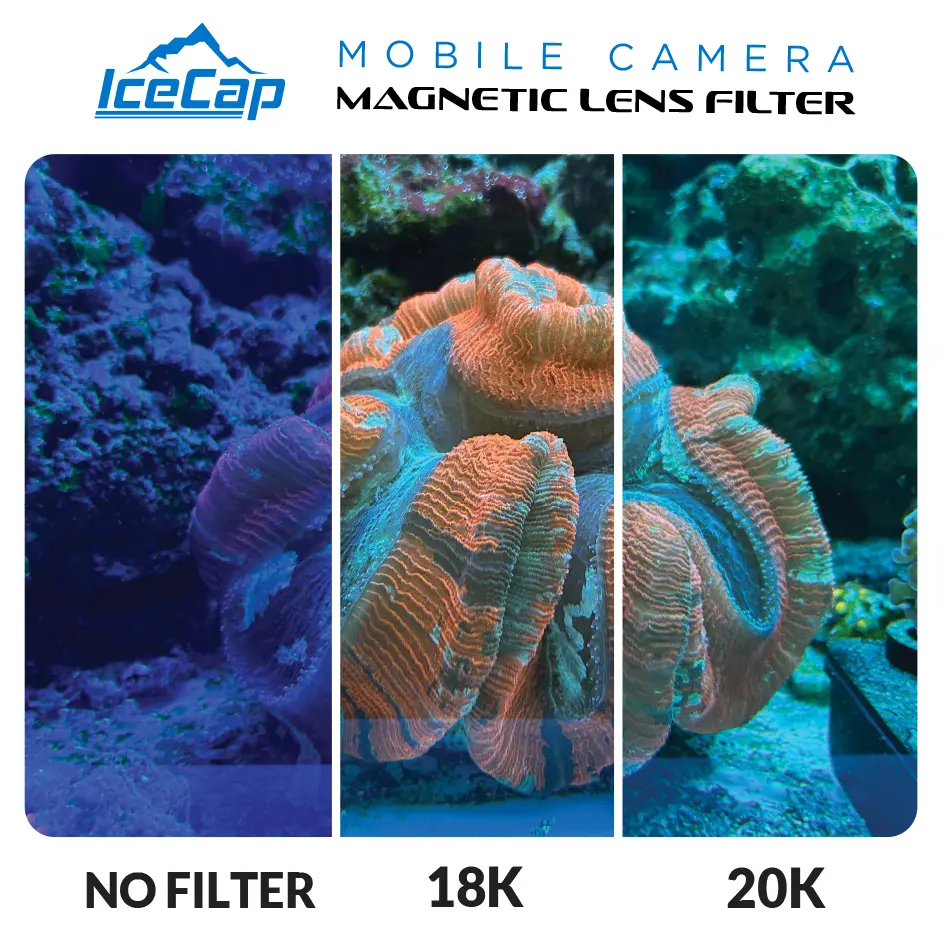
- 18,000K Lens Filters out heavy violet, blue, and cyan spectrums
- Best for tanks running heavy actinic/blue LED lighting
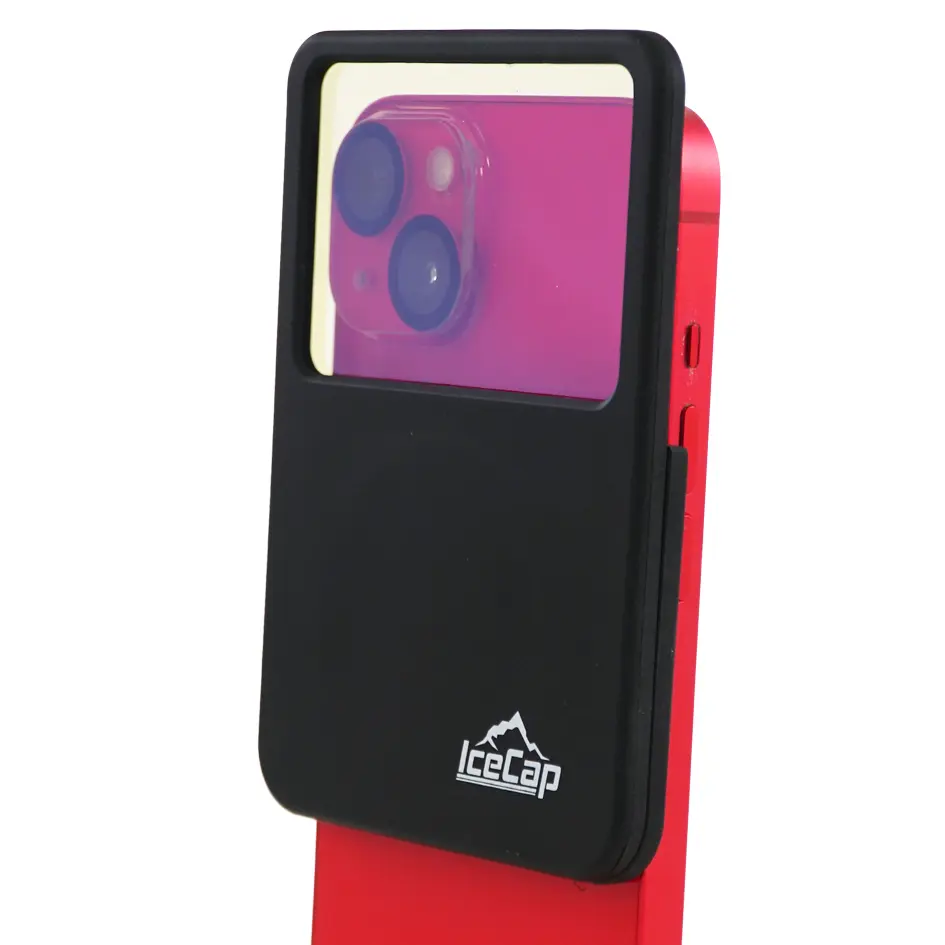
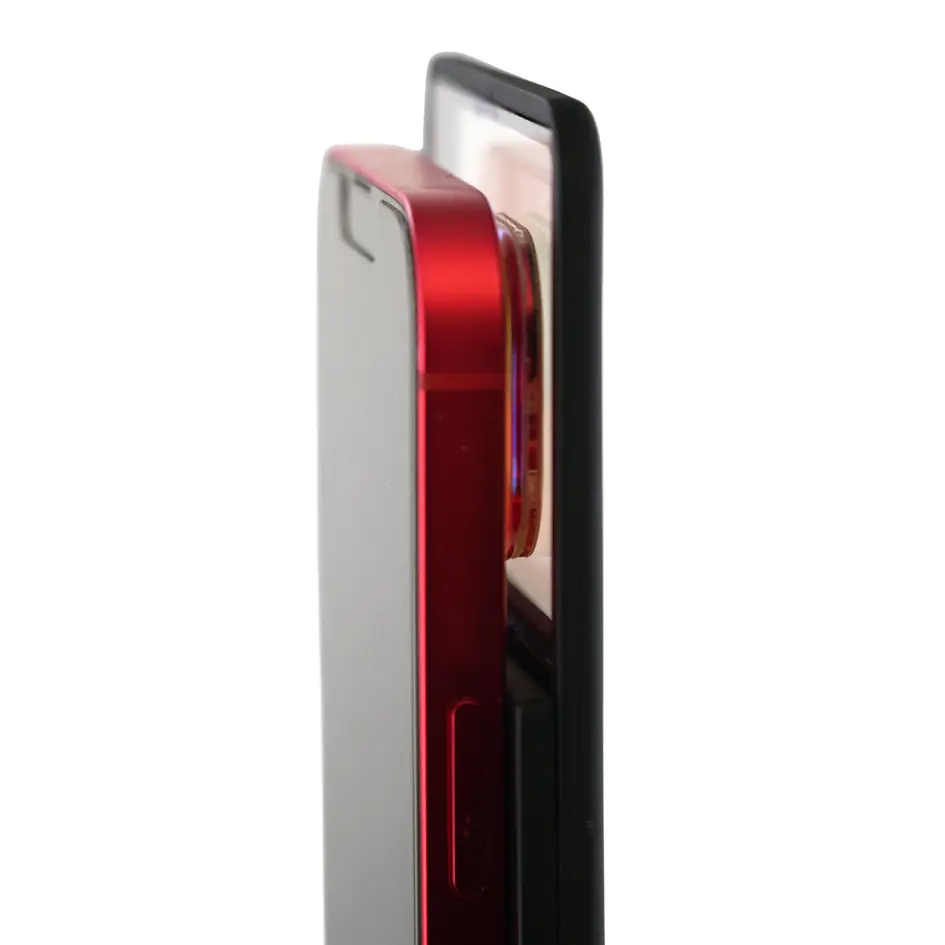
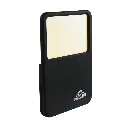
- Magnetic mounting system allows instant snap-on attachment to smartphones
- Compact, lightweight design fits easily into a pocket or camera bag
- High-transparency optical glass delivers crisp images without color distortion
- Includes protective travel case
- Compatible with iPhone® 12 & Later

IceCap
Premium aquarium equipment without the premium price. Protein skimmers, pumps, reactors, heaters & more.
IceCap 18000K Magnetic Mobile Lens Filter
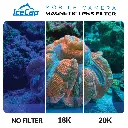
Taking stunning, color-accurate photos of your reef aquarium using a smartphone can be challenging due to high-actinic LED lighting. The IceCap 18000K Magnetic Mobile Lens Filter solves this problem by directly correcting color temperature before light reaches your mobile camera sensor. Designed specifically for reef hobbyists, this high-grade optical filter neutralizes excess blue light to reveal the true orange, red, yellow, and fluorescent tones of your corals as they appear in person.
Equipped with a quick-connect magnetic attachment mechanism, the filter snaps securely onto your phone or tablet camera in seconds. Its high-transparency optical glass preserves image sharpness without introducing glare or blur, making it the ideal tool for sharing your aquascape on social media or cataloging coral growth.
Ideal For:
• Reef aquarium owners who want to capture true-to-life coral colors with their mobile phones.
• Coral vendors and frag swap sellers needing clear, accurate photos for online listings.
• Social media content creators sharing aquarium photos and video clips.
• Hobbyists cataloging coral growth and coloration changes over time.
Box Includes:
- 18,000K Magnet Lens Filter
- Protective Case
Product Details:
- Dimensions: 3.125 x 4.62 x .37in
- Lens Dimensions: 2.75 x 1.62in
- Designed For: iPhone® 12 & Later
Warranty
CoralVue, Inc. hereby guarantees this product to be free from defects in material and workmanship for a period of:
- 1 Year
Warranty is activated on the date of purchase.
This Standard Limited Warranty applies and is limited as follows:
- To the product only as long as it remains in the possession of the original purchaser.
- To the product that has not been subject to accident, misuse or abuse.
- To the product that has not been modified, altered, defaced, or had repairs made or attempted by other than CoralVue, Inc.
- That CoralVue be immediately notified in writing within ten (10) days of first knowledge of defect by owner or his agent.
- That CoralVue, Inc. shall be given first opportunity to make any repairs, replacements or corrections to the defective construction within a reasonable period of time.
- Under no circumstances shall CoralVue and/or the Manufacturer be liable by virtue of this warranty or otherwise for damage to any person or property whatsoever for any special, indirect, secondary or consequential damages of any nature however arising out of the use or inability to use because of the product defect.
User Instructions:
Step 1: Attach the Lens to Your Phone
- For MagSafe iPhones (iPhone 12 and newer): Snap the magnetic filter ring directly onto the back of your iPhone®, aligning it so the lens completely covers your main camera.
- For non-MagSafe phones: Attach the included adhesive magnetic plate to the back of your phone or phone case first, then snap the magnet mount lens onto it.
Step 2: Choose the Correct Filter Ring
- 20,000K (Yellow): Use this if your aquarium lights are a mix of white and blue (10K to 14K look).
- 18,000K (Orange): Use this if your aquarium lights are set to a heavy blue/actinic spectrum (15K to 20K+ look).
Step 3: Adjust Your Camera Settings
- Turn off the flash: External lighting will cause reflections on the aquarium glass.
- Lock your White Balance: If your camera app allows manual white balance, adjust it until the background sand or rocks look white/grey, not blue or overwhelmingly orange.
- Lower the exposure: Tap on a bright coral and slide the exposure brightness down slightly to prevent "blowing out" the neon fluorescent colors.
Step 4: Line Up the Shot
- Get close to the glass: Hold your phone camera flat against the aquarium glass to eliminate glare and room reflections.
- Shoot straight on: Avoid shooting at sharp angles through the glass, which can cause distortion and blurriness.
Pro Tips for the Best Photos
- Reduce deep/royal blue and cool white channels, and increase warm white
- Hold the camera perpendicular to the glass
- Turn off ambient room lights
- Keep auto white balance ON