

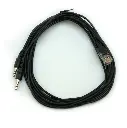
IceCap 0-10V Y Cable
SKU: IC-GIM-Y
- Dual-Channel 0-10V Control: Splits a single RJ45 Variable Speed (VSP) port into two independent 0-10V channels to operate two pumps from one controller jack.
- Third-Party Compatibility: Engineered to interface standard RJ45 0-10V variable speed ports on system controllers like Neptune Systems Apex with compatible DC pump drivers.
- Broad Pump Controller Integration: Connects directly to Reef Octopus VarioS return pump controllers, Octo Pulse wavemakers, and IceCap Gyre Interface Modules.
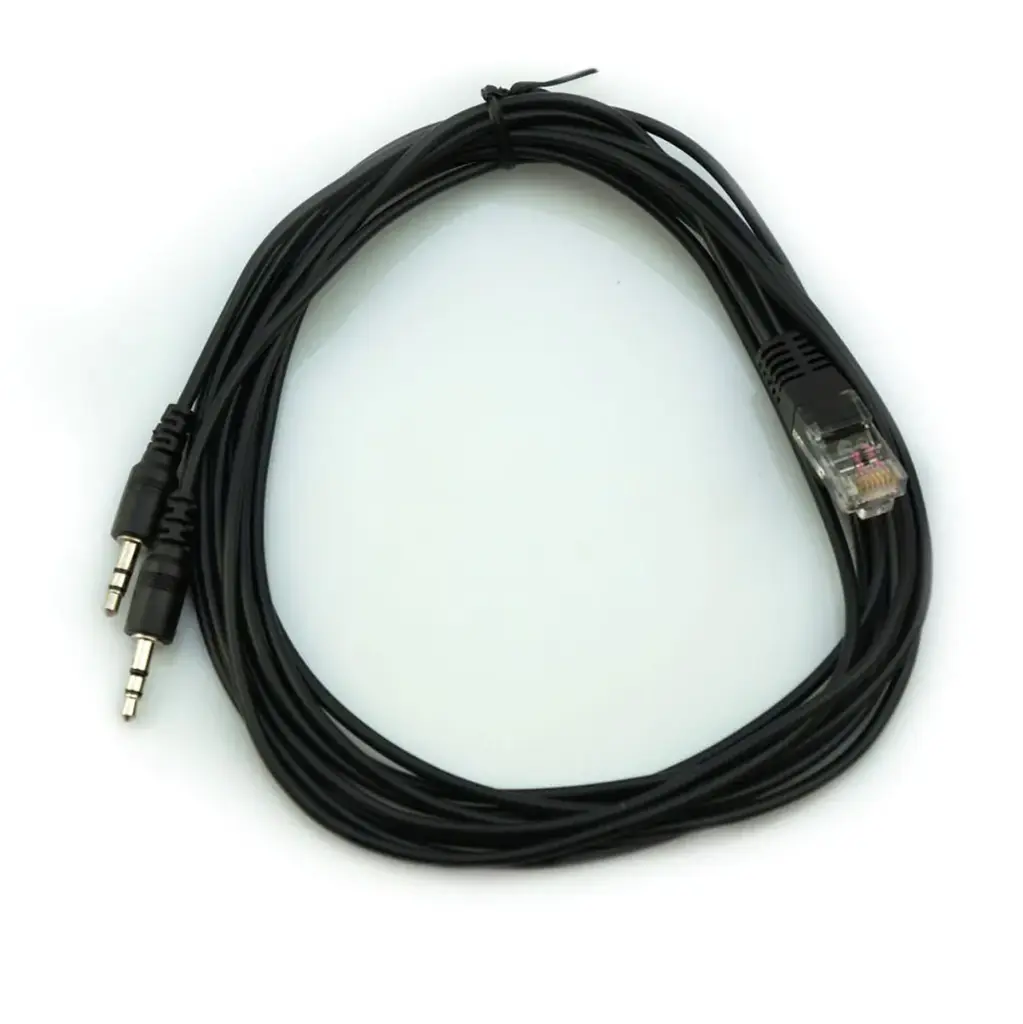
- Generous 6.5-Foot Reach: 2-meter (6.5 ft) length provides ample slack for routing clean, professional cable runs through stands and equipment boards.
- Dual 3.5mm Stereo Outputs: Terminated with precision-molded 3.5mm stereo jacks that plug securely into 0-10V receiver ports without signal degradation.

IceCap
Premium aquarium equipment without the premium price. Protein skimmers, pumps, reactors, heaters & more.
IIceCap Dual 0-10V Controller Y-Cable
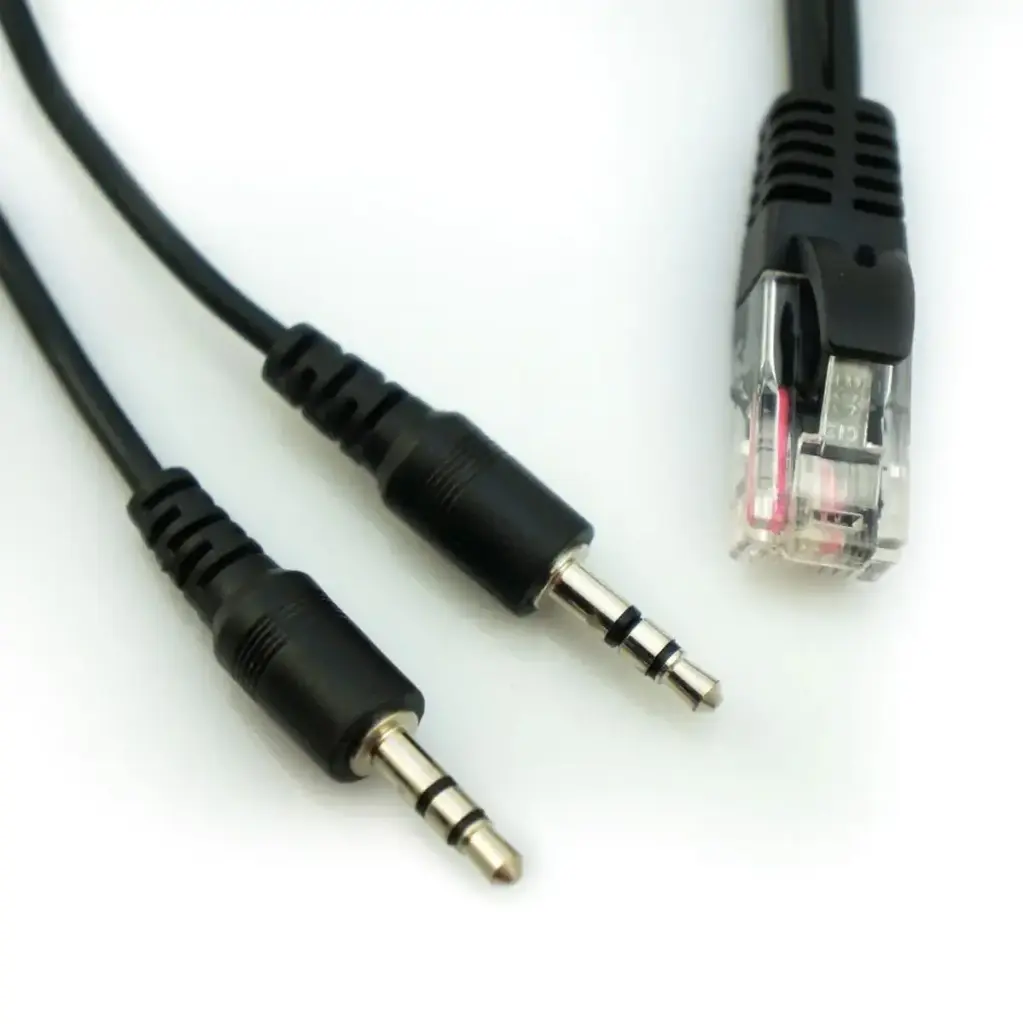
Centralized aquarium controllers provide unmatched automation, but variable-speed expansion ports are often limited. The IceCap Dual 0-10V Controller Y-Cable (SKU: IC-GIM-Y) is an OEM 6.5-foot interface cable engineered to connect two variable-speed aquarium devices to a single RJ45 0-10V variable speed port (such as V1/V2 or V3/V4 ports on Neptune Systems Apex controllers).
System controllers utilize multi-pin RJ45 jacks where each port manages two discrete 0-10V analog channels. The IC-GIM-Y taps into these separate channels, splitting the single RJ45 plug into two independent 3.5mm stereo output connections. This enables aquarists to command two individual devices—such as two Reef Octopus VarioS return/skimmer pumps, dual Octo Pulse flow pumps, or two IceCap Gyre Interface Modules—independently without purchasing costly port expansion modules. Each connected pump can follow its own custom speed profiles, ramping schedules, and feed mode pauses directly through the central controller dashboard.
Advanced Controller Y-Cable for Reef Octopus VarioS Controller
This 6.5ft cable allows you to independently control two Reef Octopus VarioS pumps by only occupying one full Variable Speed port on your System Controller.
Standard Y-Cable for IceCap Gyre Interface Module
This 6.5ft cable allows you to independently control two Maxspect Gyre pumps in a forward direction by only occupying one full Variable Speed port on your System Controller. Two Gyre interfaces are still required.
What’s Included:
(1) IceCap Dual 0-10V Controller Y-Cable (IC-GIM-Y)
Technical Specs:
SKU / Factory Part Identifier: IC-GIM-Y
Cable Length: 6.5 feet (2.0 meters)
Input Connector: RJ45 (8P8C Male) for Controller 0-10V Variable Speed Ports
Output Connectors: (2) 3.5mm (1/8") Male Stereo Plugs
Signal Voltage Compatibility: 0–10V DC Analog Control
Jacket Material: Flexible Strain-Relief Molded Black PVC
Primary Compatibility: Neptune Systems Apex (Base Unit & VDM Modules), Reef Octopus VarioS Controllers (VarioS-2, 4, 6, 8), Octo Pulse Flow Pumps, IceCap Gyre Interface Modules (GIM)
Installation & Setup Guidelines:
Turn off or set the variable speed ports to "OFF" in your aquarium controller software before connecting interface cables.
Plug the RJ45 male connector of the IC-GIM-Y cable firmly into an available 0-10V Variable Speed port (e.g., V1/V2 or V3/V4) on your system controller until the retention clip clicks.
Route the branching cable leads to your equipment mounting board, keeping them clear of high-voltage AC cables to prevent signal noise.
Insert the first 3.5mm male plug into the 0-10V input jack of your primary pump controller (Channel 1 / Odd channel).
Insert the second 3.5mm male plug into the 0-10V input jack of your secondary pump controller (Channel 2 / Even channel).
Configure and test your controller profiles to verify that each device ramps, modulates, and shuts off independently as programmed.
Pro Tips:
- Separate 0-10V Signal Lines from AC Power Cords. Low-voltage analog 0-10V signaling cables can pick up electromagnetic interference (EMI) if bundled tightly alongside high-voltage AC power cords. Route your IC-GIM-Y through dedicated low-voltage wiring raceways or zip-tie it away from return pump and lighting power cords to ensure smooth, jitter-free speed regulation.
- Identify Channel Assignments Before Final Cable Management. In standard RJ45 port pinouts (such as Neptune Apex V1/V2), one branch carries the primary channel and the other carries the secondary channel. Test one 3.5mm plug at a time with a basic ON/OFF profile in your controller dashboard and label each branch with cable markers before securing your wire ties.