

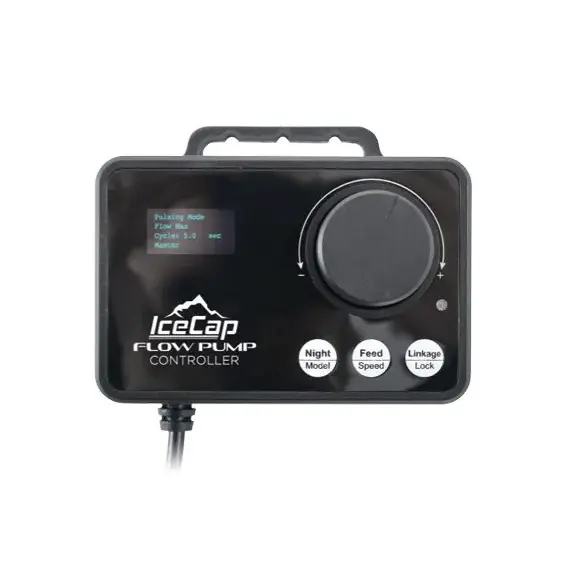
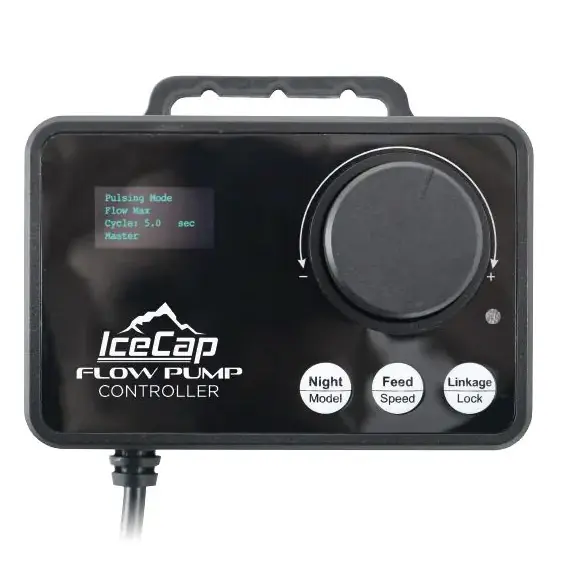
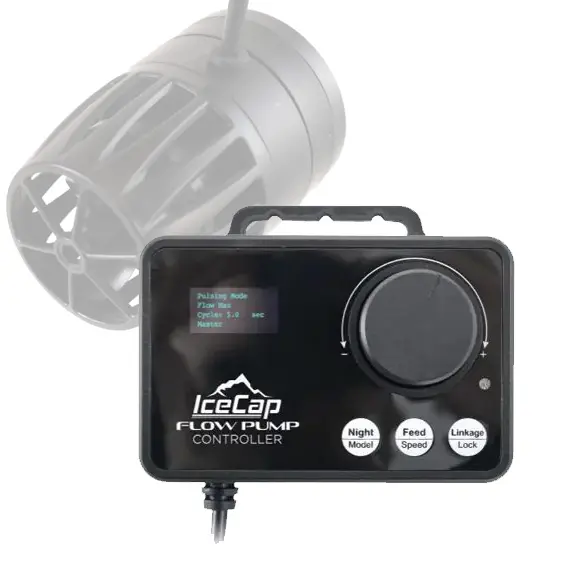
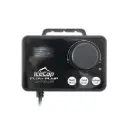
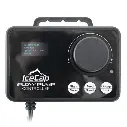
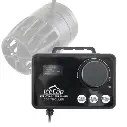

IceCap Flow Pump Controller FP200
SKU: IP-FPCTL-200
- Direct OEM FP200 Replacement: Factory-original replacement controller module engineered specifically for the high-output IceCap FP200 Compact Flow Pump.
- Multiple Dynamic Wave Modes: Access Pulsing, Constant Flow, Reef Crest, and Gyre wave patterns directly using the rotary selection dial and digital display screen.
- One-Touch Feed Mode: Features a dedicated push-button pause timer to temporarily stop water circulation during fish and coral feeding.
- Wireless Master/Slave Linking: Supports wireless communication between multiple FP series controllers to synchronize or alternate water movement across the tank.
- Integrated Night Sensor Mode: Allows automatic reduction of pump output during dark hours to conserve coral energy and mimic natural reef calm.
IceCap Flow Pump Controller FP200
Generating natural ocean current dynamics and preventing detritus buildup in marine aquariums requires reliable, precise flow control. The IceCap Flow Pump Controller FP200 (SKU: IP-FPCTL-200) is the official OEM replacement control unit designed specifically for the IceCap FP200 Flow Pump. In cabinet environments, high humidity, salt creep, or accidental water spills can degrade original controller electronics or damage display screens over time.
Designed for intuitive plug-and-play setup, this dedicated controller features a crisp digital display paired with an ergonomic rotary selection dial and touch buttons. It allows aquarists to effortlessly configure continuous flow, adjust pulse intervals, select random reef wave patterns, and sync multiple pumps wirelessly without requiring complex smartphone apps or third-party modules.
Ideal Replacement Scenario
If your existing FP200 controller screen has gone dark, buttons become unresponsive, or the unit fails to send speed signals to your FP200 pump motor block, replacing it with the authentic IP-FPCTL-200 restores full wavemaker functionality.
Note: Package includes (1) IceCap Flow Pump Controller FP200 module with integrated mounting bracket.
What’s Included:
(1) IceCap Flow Pump Controller FP200 Module (IP-FPCTL-200)
(1) Rear Wall-Mounting Bracket
Technical Specs:
SKU / Factory Part Identifier: IP-FPCTL-200
Control Modes: Continuous Flow, Pulse Mode, Reef Crest Wave, Sine Wave, Random
Interface: Digital Display Screen with Rotary Adjustment Dial & Touch Buttons
Special Functions: 10-Minute Feed Mode, Night Mode, Wireless Master/Slave Link
Housing Material: Saltwater-Resistant Molded Polymer
Primary Compatibility: IceCap FP200 Compact Flow Pump
Installation & Set-Up Guidelines:
Disconnect power to your IceCap FP200 setup before replacing the controller.
Unplug the pump motor lead cable and power supply plug from the old controller.
Secure the new IP-FPCTL-200 controller onto a dry cabinet wall or mounting board away from water splashes.
Plug the FP200 pump motor cable firmly into the pump output jack and connect the power supply into the power port.
Restore power, turn the rotary dial to select your preferred flow pattern and speed, and press to confirm settings.
Pro Tips:
- Mount Controller High and Away From Sump Moisture. Always mount flow controllers on the outside of cabinet doors or high on internal stand walls. Moisture, humidity, and salt creep inside enclosed stand bases are the leading causes of electronic failure.
- Sync Dual Pumps with Wireless Link Mode. If operating two FP200 flow pumps in the same tank, assign one controller as Master and the second as Slave. Setting them to "Sync" creates aligned surges, while "Anti-Sync" produces smooth back-and-forth gyre currents across your reef display.