






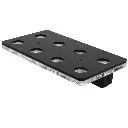
IceCap Multi-Lens Camera Filter Kit
SKU: IC-CLP
MSRP: $ 42,72
-
Available Through Authorized Retailer
- Professional Blue Light Attenuation: Features targeted yellow and orange filters that block actinic glare, allowing phone sensors to accurately read coral tissue pigments.
- Stackable Lens Design: Threaded aluminum lens rims allow you to screw multiple filters together simultaneously to micro-tune color correction based on your lighting intensity.
- Premium 10X Close-Up Macro Lens: Outfitted with high-clarity optical glass that brings fine coral polyps into sharp focus from mere inches away.
- Universal Heavy-Duty Mounting Clip: Adjustable, rubber-padded spring clip attaches securely to almost all major single or multi-camera smartphones and tablets.
- Industrial Aluminum Housing Frames: Each filter element is bound inside an anodized aircraft-grade aluminum ring, preventing cross-threading and warping.
- Rigid Protective Travel Case: Ships inside a zippered hard-shell storage case lined with custom-cut foam inserts to keep your lenses safe and dust-free.

IceCap
Premium aquarium equipment without the premium price. Protein skimmers, pumps, reactors, heaters & more.
IceCap Multi-Lens Aquarium Camera Filter Kit — (IC-CLFK)
The IceCap Multi-Lens Camera Filter Kit (SKU: IC-CLFK) is an authentic, studio-grade mobile photography upgrade distributed by CoralVue to eliminate the frustrating "blue blur" associated with reef tank documentation. Modern saltwater reef aquariums rely heavily on specialized LED lighting schedules running intense spectrum profiles between 400nm and 480nm to stimulate coral zooxanthellae growth and trigger striking fluorescence. Unfortunately, smartphone camera sensors are built to auto-balance for normal sunlight; when exposed to intense reef lighting, they overheat the blue channel, washing out the true yellows, greens, pinks, and reds of your livestock. The IceCap Filter Kit acts as an optical corrective shield, neutralizing the excess blue wash before it ever hits your phone's lens.
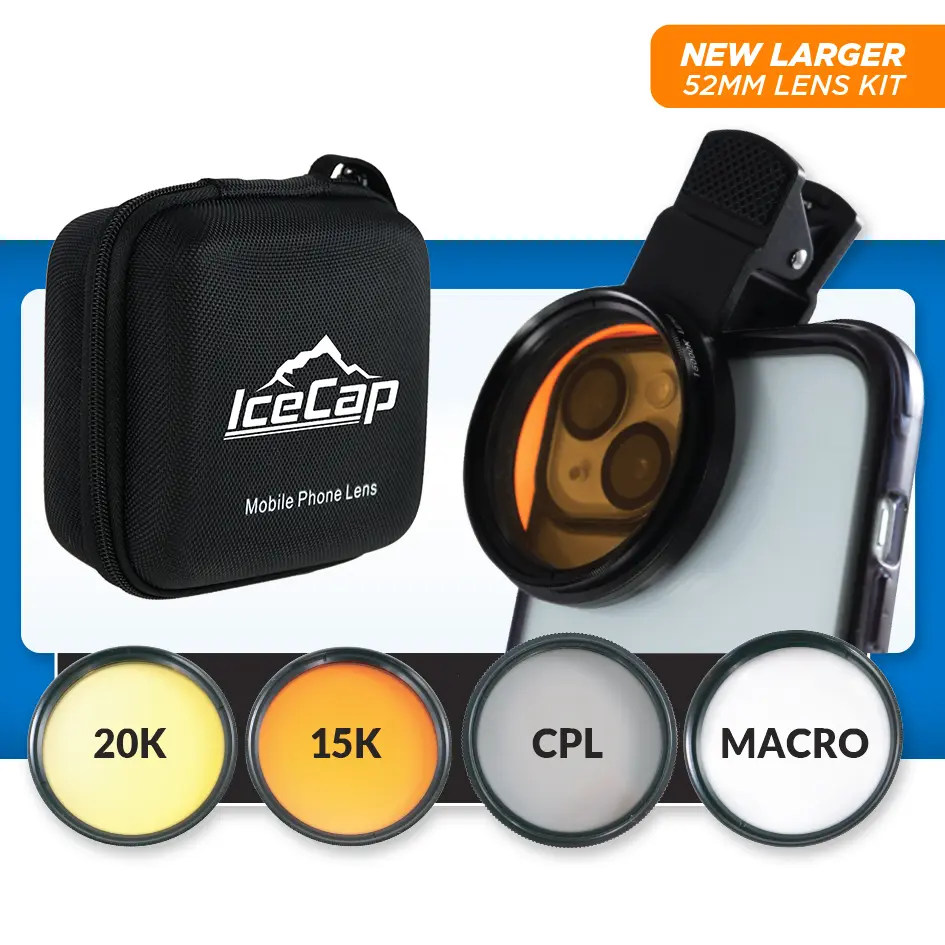
The foundational design of the IC-CLFK relies on its Threaded Optically Ground Glass Filters. Rather than using cheap tinted plastic film inserts that introduce distortions and soft edges, this kit uses high-grade, multi-coated optical glass elements. The kit includes a 15,000K filter (amber-tinted) and a 20,000K filter (yellow-tinted) to tackle various lighting conditions. Because the anodized aluminum frames feature front and rear matching threads, you can stack the filters together to achieve an ultra-saturated correction profile under pure actinic night lighting. Additionally, the kit comes with a powerful 10X Macro lens, transforming your phone into a high-magnification close-up tool that captures stunning details of tiny coral polyps, sponge networks, and micro-fauna.
Key Features
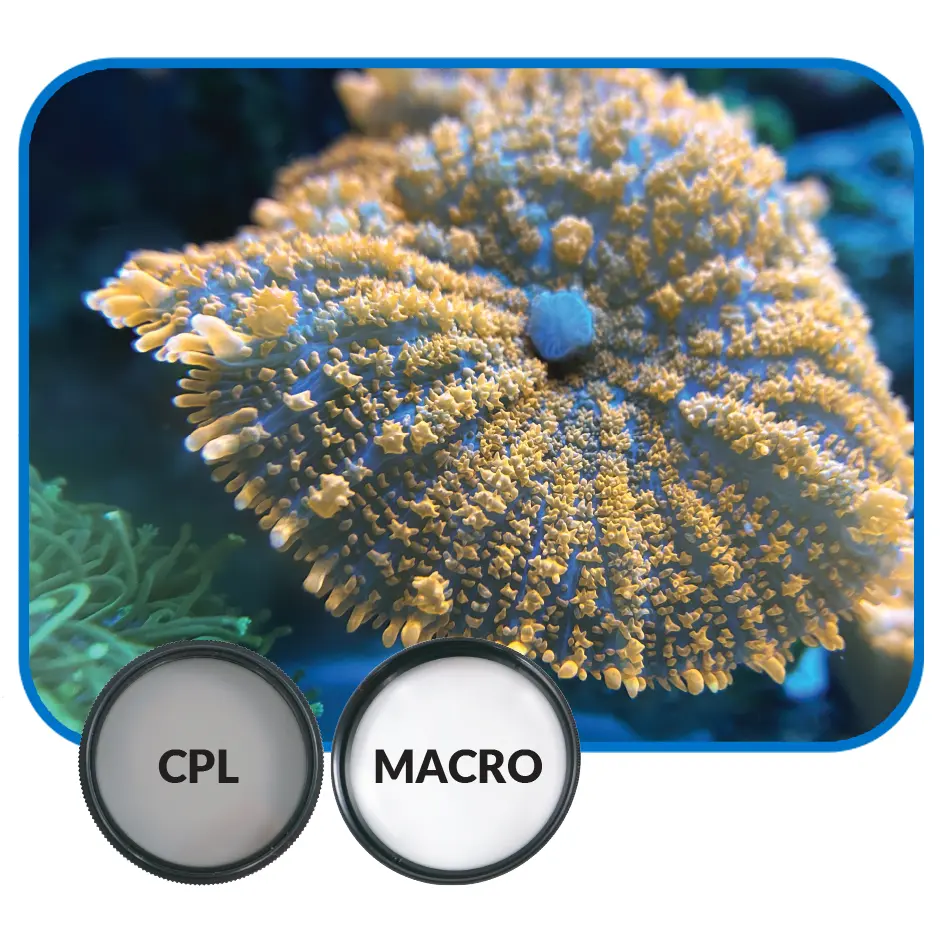
Captures Realistic Coral Fluorescence: Translates what your eyes see directly onto your phone's digital screen without relying on heavy post-processing editing apps.
Universal Dual-Camera Adaptability: Designed with a deep-reach padded mounting clip that centers perfectly over standard primary lenses, telephoto sensors, or macro phone configurations.
Ultra-Sharp Macro Magnification: The 10X macro glass shortens your phone's minimum focal length, letting you take crisp close-up shots of delicate zoanthid skirts and chalice eyes.
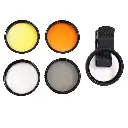
(Note: This retail package arrives complete with (1) universal lens clip, (1) 15,000K filter lens, (1) 20,000K filter lens, (1) 10X macro lens, (2) protective lens caps, (1) microfiber polishing cloth, and (1) zippered rigid travel storage case).
What’s Included:
(1) Universal Heavy-Duty Smartphone/Tablet Tension Mounting Clip
(1) 15,000K Colored Optical Glass Filter Lens (Amber/Orange Profile)
(1) 20,000K Colored Optical Glass Filter Lens (Deep Yellow Profile)
(1) 10X High-Clarity Optical Glass Close-Up Macro Lens Element
(2) Protective Snap-On Plastic Lens Cap Covers
(1) Double-Sided Anti-Static Microfiber Polishing Cloth
(1) Zippered EVA Hard-Shell Travel Case with Custom Foam Grid
Technical Specs:
Official Manufacturing Title: IceCap Multi-Lens Camera Filter Kit
SKU / Factory Part Identifier: IC-CLFK
Lens Frame Thread Diameter: Standard 37mm (37mm)
Filter Optic Material Base: Multi-Coated Optical Ground Glass
Chassis Shell Frame Base: Aircraft-Grade Anodized Black Aluminum
Macro Magnification Power Metric: 10X Close-Up Focal Compression
Mounting Clip Compatibility: Fits electronic devices up to 1/2-Inch Thickness
Warranty
CoralVue, Inc. hereby guarantees this product to be free from defects in material and workmanship for a period of:
- 1 Year
Warranty is activated on the date of purchase.
This Standard Limited Warranty applies and is limited as follows:
- To the product only as long as it remains in the possession of the original purchaser.
- To the product that has not been subject to accident, misuse or abuse.
- To the product that has not been modified, altered, defaced, or had repairs made or attempted by other than CoralVue, Inc.
- That CoralVue be immediately notified in writing within ten (10) days of first knowledge of defect by owner or his agent.
- That CoralVue, Inc. shall be given first opportunity to make any repairs, replacements or corrections to the defective construction within a reasonable period of time.
- Under no circumstances shall CoralVue and/or the Manufacturer be liable by virtue of this warranty or otherwise for damage to any person or property whatsoever for any special, indirect, secondary or consequential damages of any nature however arising out of the use or inability to use because of the product defect.
- Unbox the kit. Select the lens elements needed for your current aquarium lighting. For crisp close-up photos, thread the 10X Macro lens directly into the universal clip base first.
- Thread your chosen color-correction filter (15K or 20K) directly onto the front ring of the Macro lens. Note: If your aquarium lights are running at 100% heavy blue/actinic settings, screw the 15K and 20K lenses together to create a stacked, double-filtered block.
- Open the spring-loaded universal clip and slide it over your phone's casing. Center the circular opening of the clip exactly over your smartphone's primary camera lens. Look through your phone's camera app to ensure no black edges or clipping shapes block your view.
- Turn on your smartphone camera app. Switch the video setting to 4K or manual mode if available to lock down focus parameters.
- Bring your phone up close to the aquarium glass panel. When utilizing the 10X macro lens configuration, your physical shooting distance should be between 2 to 5 inches away from the target coral tissue to achieve perfect focus.
- Use the included microfiber cloth to remove dust and saltwater smudges from the glass filters after your photo session. Store the lenses back inside their foam case slots to protect them from scratches.
Pro Tips:
- Press Your Filter Frame Flush Against the Aquarium Glass to Kill Reflections. When taking pictures of an aquarium, ambient room lights, windows, and tank equipment can create distracting reflections on the glass. To instantly eliminate these glares, turn off all overhead room lights and press the edge of the IceCap lens ring flush against your aquarium's front panel. This forms a dark seal that blocks out external light, resulting in high-contrast photos that look like they were taken from inside the tank.
- Turn Off Your Wavemakers and Flow Pumps to Prevent Motion Blur. Even with top-tier color correction filters, rapid coral movement from high-velocity wavemakers can cause blurry photos, especially in low-light environments. Before your photo session, feed your pumps into "Feed Mode" or temporarily turn off your powerheads for 5 to 10 minutes. Allowing the water column to settle completely keeps coral polyps perfectly still, allowing you to capture tack-sharp macro details with crisp definition.
- Use Your Phone's Manual Exposure Slider to Lock In Vivid Colors. Smartphone camera apps constantly recalculate ambient light, which can sometimes overexpose bright fluorescent greens and yellows under heavy filtration. To capture the richest colors, tap your phone screen to lock focus on the center of the coral, then slide the little exposure sun icon downward to slightly darken the image. This deepens color saturation and reveals intricate details in highly reflective coral tissues.